
| ⭐⭐⭐⭐⭐ | 4.85/5 |
| Last update on: | 2 Dec 2024 |
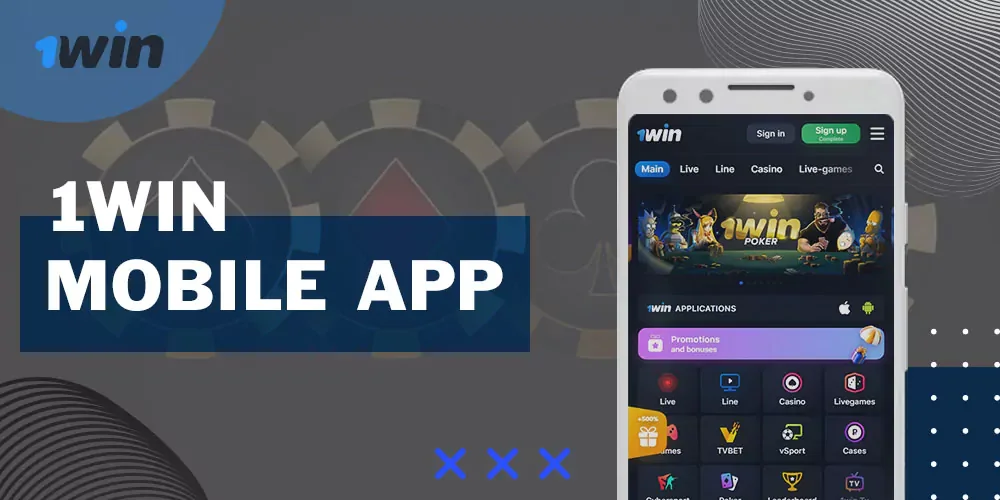
The official 1win mobile app is available for both Android (apk) and iPhone users. The latest 2025 version is designed to work on all devices, from older iPhone models to the newest Android versions. Download the 1win app today and use the promo code to claim a bonus. With the 1win mobile app, sports betting and online casino games, including slots, are always just a tap away.
Beyond just playing games, the 1win app allows users to manage deposits and withdrawals, participate in promotions, and join loyalty programs. You can also verify your account and reach out to customer support directly through the app.
| Application requirements ⚙️ | |
| The version of the app | 1.6.2 |
| .apk file size | 29.23 Mb |
| App size on the storage | 45.73 Mb |
| Supported | Android, iOS |
| Available Sports | Cricket, Kabaddi, Horse Racing, Tennis, Soccer, etc. |
| Support Service | 24/7 via app |
| Unique Games | TVBet, VSport |
1win App for APK and iOS – Actual Version 2025
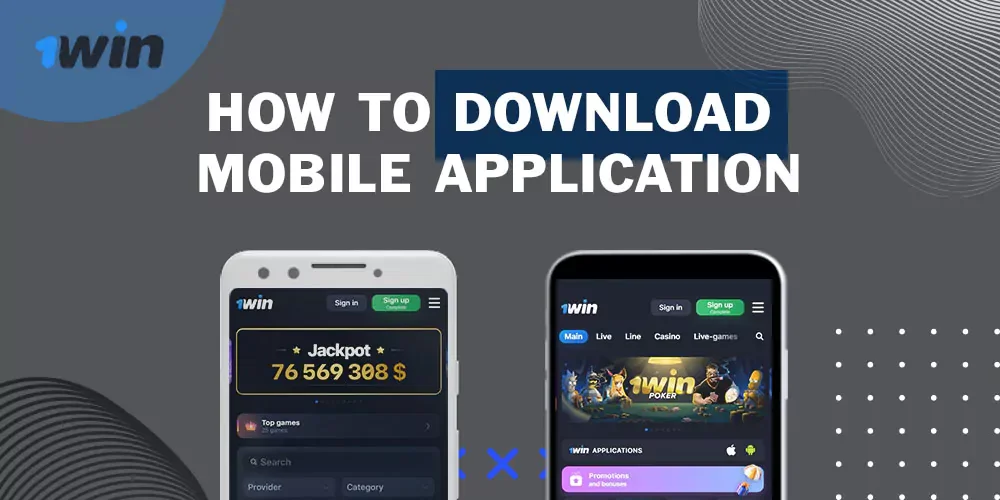
The 1win mobile app closely mirrors the desktop version, offering the same features and game options. Its vertical layout and user-friendly buttons make it easy to place bets with just one hand.
For those in search of a reliable betting app for Android, 1win is a trustworthy option. The app includes all essential functions for Indian players, and the latest update enhances its already smooth and well-optimized interface. You can easily check this for yourself by downloading the app from the official website.
With its nearly identical feature set and game library to the desktop version, the 1win mobile app is sure to satisfy users of all experience levels. The simple navigation and one-handed usability make betting a breeze.
Mobile app features:
Download 1win apk for Android mobile
The app is not available on the Play Market, but you can still download it for free from the official 1win website. The entire process is quick and easy, taking only around 3 to 5 minutes. If you choose to install the application on your device, you’ll be pleased to know that downloading the mobile client won’t take up too much of your time. Simply visit the 1win website, and you’ll be able to complete the download with no hassle.
How to install 1win apk
Here’s how you can download the 1win APK in three simple steps:
1. Follow the link.
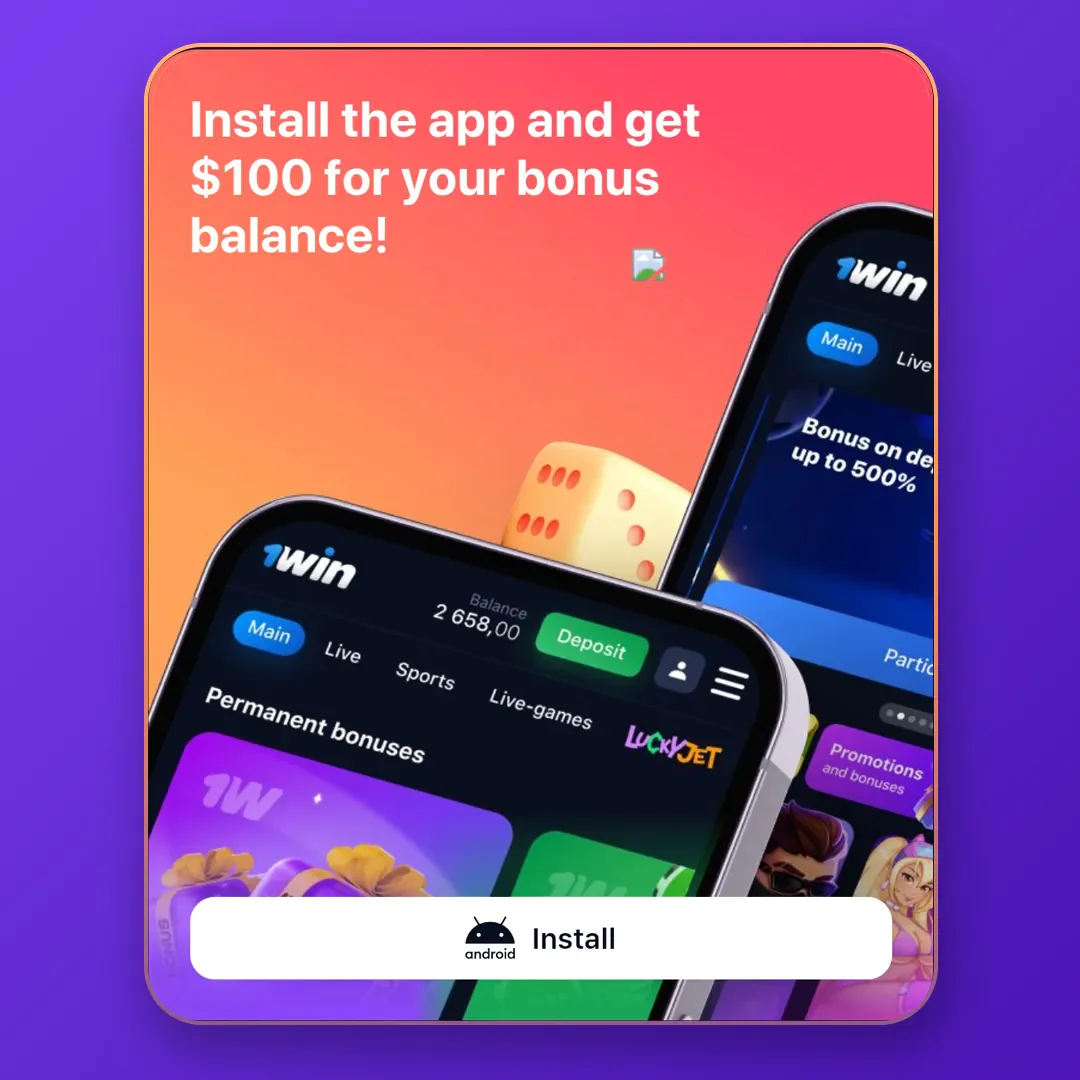
The download of the installation file will begin right away.
2. Run apk file.
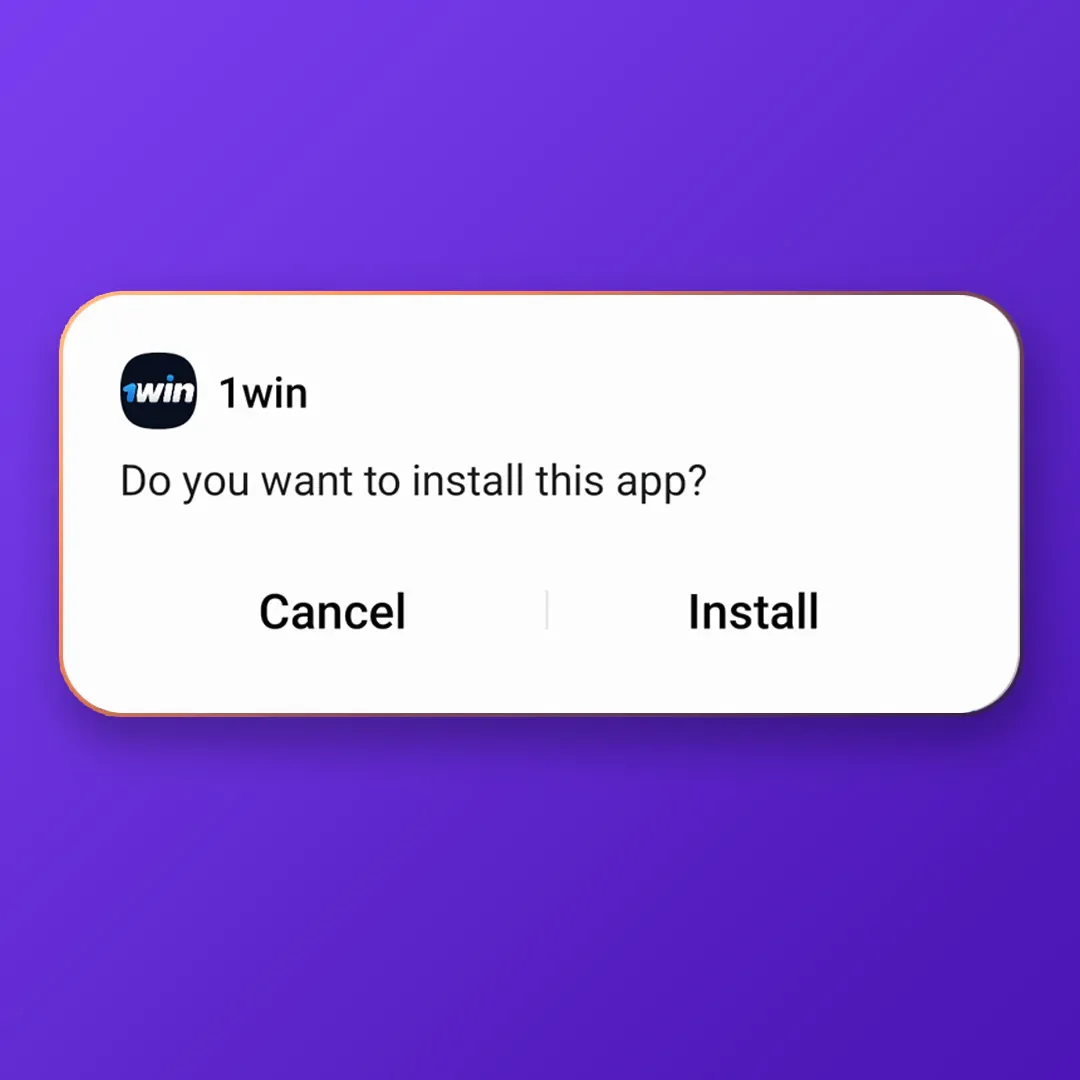
Click on the installer, and in the pop-up window, select “Install.”
3. Log in.
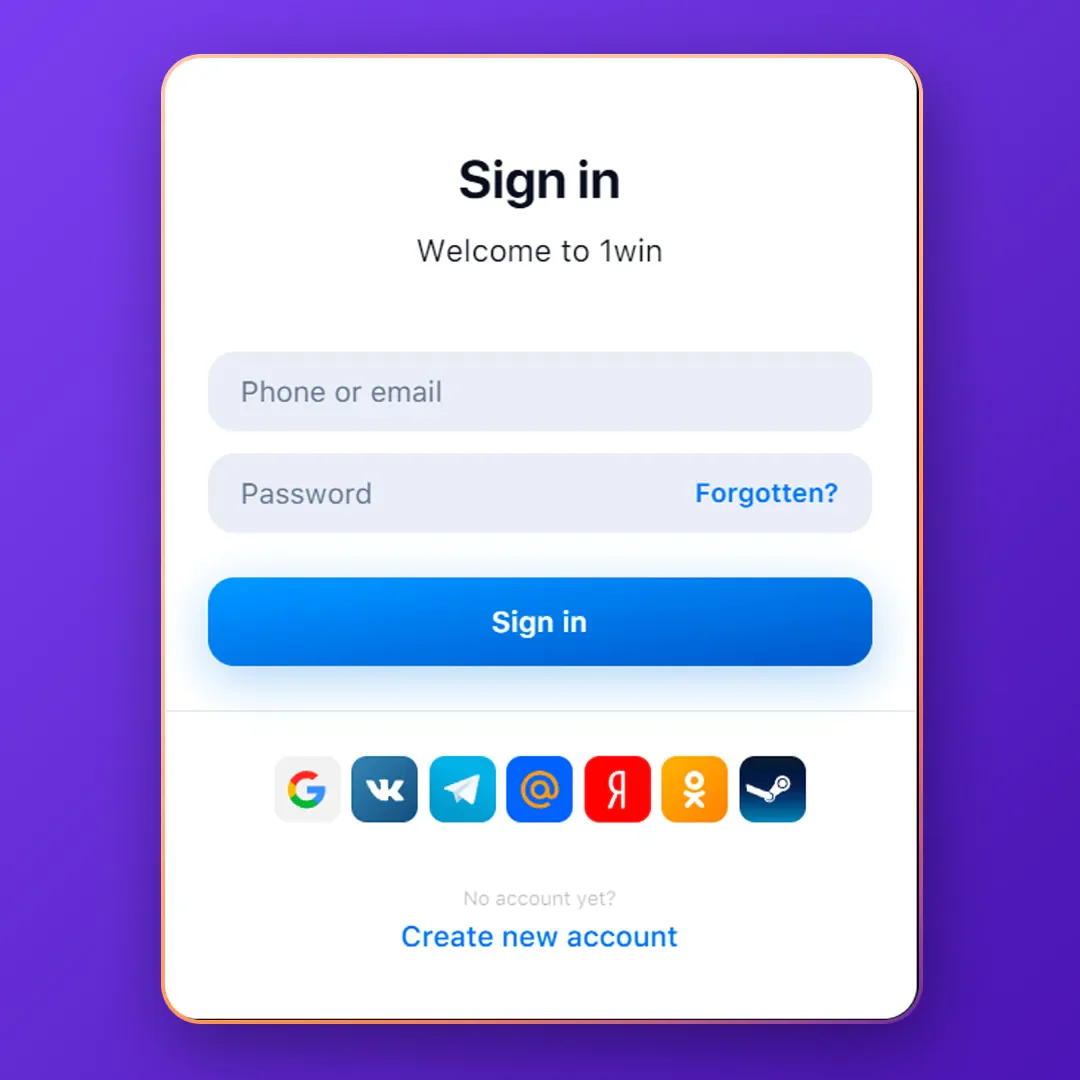
Tap on your avatar to log in using your phone number or email, along with your profile password. If you registered via a social network, click the respective platform's logo and confirm your login.
If you're new to 1win and don’t have an account yet, you can easily sign up through the app by selecting the "Register" option.
Before downloading the mobile app, be sure to check that your device meets these system requirements:
| Android supported devices 🤖 | |
| OS version | 12+ |
| CPU | 1.2 GHz |
| RAM | 1 Gb |
| Free space | 96 Mb |
The app may be unstable on low-end devices.
How to update 1win app for Android latest version
From time to time, developers introduce updates to improve the 1win app. These updates often include new features, design enhancements, and additional payment methods. When a new version is released, the app automatically updates as soon as it is launched, so users don’t need to do anything. Typically, the update process only takes a few minutes.
Phone Supported
The 1win app is designed to work with a range of devices that meet its system requirements. If you can’t find your phone listed, it’s a good idea to check the device’s specifications against the app’s requirements. The app is optimized to run on lower-end devices, meaning it can even work on older models.
| Brand | Models |
| Samsung | S6, S7, S8, S8+, S9, S9+, S10, S10e, S10+, S20, S20+, Tab, Edge, Edge+, Note, Mini, A41, A71, A51, A90, A3, A5, A7, A8, S, pro, Xcover 3 |
| Sony | Compact, Premium, Compact, Plus, Xperia M5, 1 II, 5, 10, Z5, ZR, E5, V, L, SP, ZL, XZ, X, XA, XA2, Ultra, XZ2, Tablet Z4, Z3 |
| Huawei | P10, P30, P40 Pro, P40 lite, P9, lite, Mate 10 Pro, 20 Pro, plus, Mate S, XS, 30 Pro, Y6, Y6s, Y7, MediaPad T5, M5 |
| HTC | Nexus Series, One mini, max, A9, A9s, S9, 10, Dual SIM, U11+, U12+, U Ultra, Play, Lifestyle, Desire 19+, 12, 12+ |
| Motorola | Moto e6, One Zoom, One Action, razr, G power, g stylus, edge+, edge, Moto E, moto g fast, one fusion+, one, moto g7 play, moto z4 |
| Pixel 2, 3, 4, 5 all XL | |
| XIAOMI | Redmi 8, Redmi 9, Redmi K30 Pro, Mi 10 Lite, 10 Pro, 9 Pro, MIX Alpha, Note 10, 10 Pro, Note 9S, Note 9 Pro Max, 8A Pro, 8A Dual |
Download 1win app for iOS (iphone, ipad)
The mobile app for iPhone and iPad offers features similar to its Android counterpart. It includes the same games and options, providing a seamless experience across platforms. With full iOS support, players using these devices can easily download the app and enjoy a user-friendly interface and a wide range of functions. The app is free to download and installs quickly on any device, as it takes up minimal storage space.
How to install 1win app for iOS free
iOS users can quickly download the 1win app in just a few easy steps. Here's how:
- Open Safari and visit the 1win website.
- Tap the “Share” icon located at the bottom of your screen.
- Choose the “Add to Home Screen” option.
Important note: The 1win app is not available in the App Store. You can only download it directly from the official 1win website.
The app performs smoothly on devices with the following specifications:
| Apple supported devices 🍎 | |
| iOS version | 10.3+ |
| RAM | 1 Gb |
| Free space | 100 Mb |
| CPU | 1.2 GHz |
The app works on devices such as the iPad Air 2, iPad Pro, iPhone 4S, iPad mini 2, and newer models.
How to update 1 win app for iOS actual verion
Updating the 1Win app for iOS is a seamless process, just like on Android. If you’re certain that a new version has been released but it hasn't appeared on your device, simply reinstall the app to get the latest version.
Phone Supported
Unsure if your phone is compatible with the 1Win app? Check the table below for a list of tested devices. However, don’t worry – the app works on most devices due to its minimal system requirements.
| Brand | Models |
| Apple | iPhone 5, 5S, 5C, SE, 6, 6S, 7, 8, 8 Plus, X, XS, XR, 11, 12, 13, 14, 15, 16, iPad, Air, Mini, Pro |
FAQ
Yes. All promotions and bonuses are accessible from the 1win mobile app.
Yes. After installing the app, the first deposit can unlock a bonus of up to ₹5,000.
Yes. You can register with social accounts or email, and the same account works on desktop and mobile.
Enable installation from unknown sources in your device settings, then install the APK from the official site.
Common methods include Entropay, Perfect Money, Advcash, Skrill, Visa, Mastercard, Payeer and other options shown in the cashier.